
PayverFinance.
Technology. People.
I build services that bring customer experience, financial operations, and AI together in one platform.
Explore my work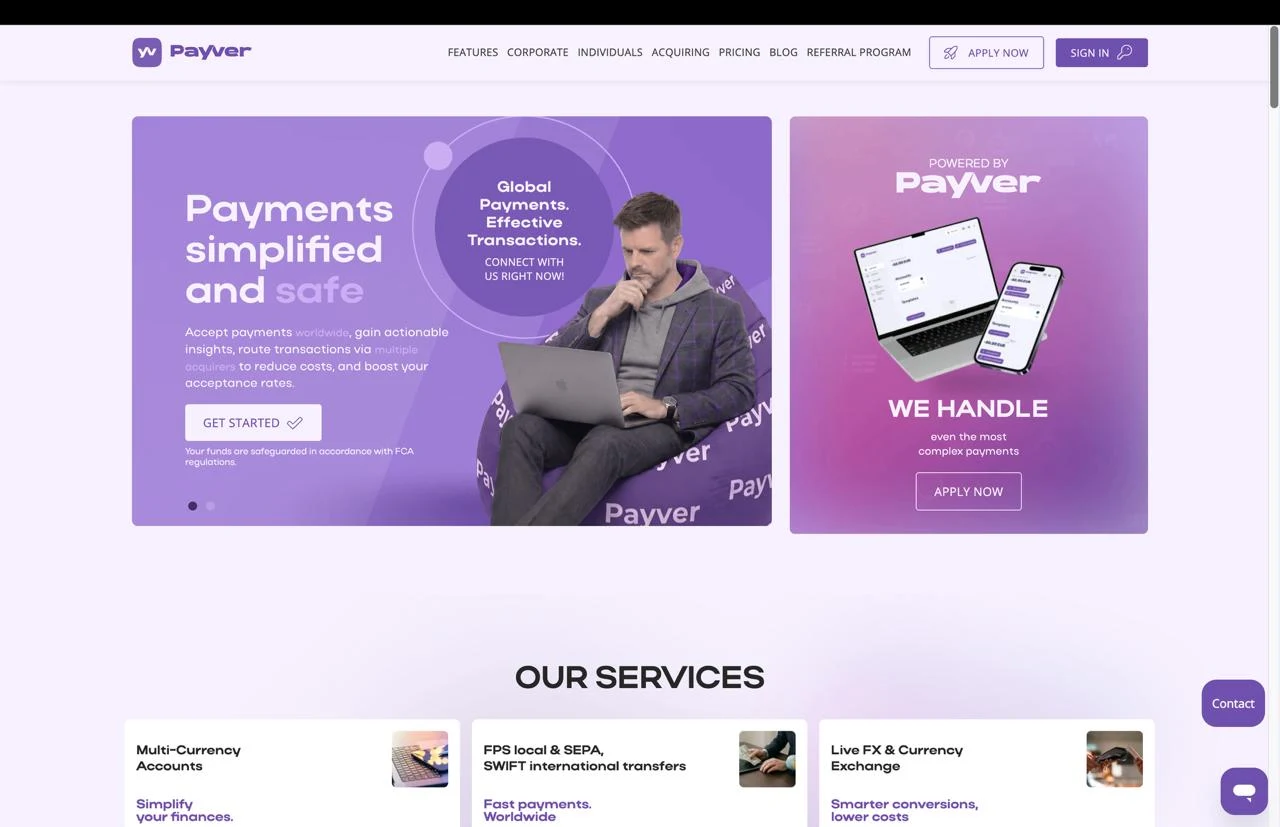
What I build
at Payver
At Payver, I developed services for customers and internal teams: invoicing, a mobile app, financial compliance tools, support automation, and card integrations.
These areas cover different stages of the same customer journey, from joining the platform and paying for services to everyday financial operations and support requests. My role was to implement their functionality and connect it to existing Payver processes.
Invoicing
From issuing an invoice to confirming payment
I developed a dedicated invoicing service that covers the entire invoice lifecycle: creation, PDF generation, delivery to the customer, payment collection, and tracking outstanding balances.
How it works
Customers receive a link to their invoice and can pay through Stripe. Confirmation from the payment provider updates the invoice status and sends a payment event to connected platform services. This makes invoicing part of broader workflows, including onboarding new customers.
For the team’s day-to-day work, I implemented scheduled invoices, automatic reminders, payment tracking, adjustment documents, and financial reporting. On the technical side, I focused on precise monetary calculations, change history, and preventing the same payment from being credited twice.
An overview of invoices, payments, and outstanding balances
See invoicing in actionVideo walkthrough · 23 seconds
Payver Mobile
Financial operations from a smartphone
I worked on the Payver mobile app for iOS and Android using React Native. It brings together core customer workflows: viewing accounts and balances, making payments, exchanging currencies, reviewing transaction history and statements, and contacting support.
How it works
In a financial app, users need to understand every step of an operation: which account they have selected, what information they need to check, what they are confirming, and what the outcome is. My work on these workflows included payment forms, input validation, transaction confirmations, and status displays.
Another area of work was authentication and session management: biometric sign-in, a passcode, and additional ways to confirm actions. The app integrates with Payver’s backend services and shares financial processes with the web dashboard.
PAIA
Context for informed decisions
I developed PAIA for the compliance team: a platform that gathers context for reviewing payments, customers, and companies, helping specialists make decisions.
How it works
The system combines transaction data, sanctions and adverse media screening results, customer documents, and communication history. Text recognition makes attachments available for analysis, while AI prepares recommendations, review summaries, and requests for additional information.
I built the workspace for reviewing transactions, screening individuals and companies, viewing reports, and managing automation. Routine cases can be processed automatically under configured rules; for manual reviews, specialists can access supporting materials and the action history. A key part of the implementation was preserving the link between source data, the AI recommendation, and the final decision.
Review materials and transaction recommendations
PAIA Support
Every answer starts with context
I developed an AI assistant for customer support, integrated with Zendesk. It uses the request, previous correspondence, and the knowledge base to prepare a response tailored to the situation.
How it works
Beyond generating replies, I built an interface for handling requests, creating and editing knowledge base content, and configuring the assistant’s instructions. This lets the team keep information up to date and adjust the tone of responses without changing code.
I implemented two operating modes: internal suggestions that an agent reviews before sending, and automatic public replies based on the configuration. This allows different levels of automation for different support processes.
Request categories and assistant operating modes
Card services
Consistent state across systems
I worked on integrating Cardaq with Payver’s customer dashboard and internal services. The implementation covered card ordering and activation, top-ups, withdrawals, blocking, and secure access to card details.
How it works
Much of this work involved communication between systems. A customer request, the provider’s response, and the final transaction confirmation can arrive at different times. I implemented Cardaq event handling, matching applications to issued cards, and synchronizing their statuses.
I paid particular attention to consistency between financial operations and the actions available in the dashboard. The interface needs to reflect the current card state and the capabilities the provider allows, while internal services must correctly process changes to that state.
Beyond individual features.
A system that works.
My work at Payver brought together customer interfaces, backend business logic, integrations with financial providers, and AI automation. Across every area, the priorities were data accuracy, clear transaction statuses, access control, and a traceable history of actions.
This project reflects my experience building interconnected products within a financial platform, from the customer’s mobile experience to the tools operational teams use every day.